Google Discover Now Shows Social Posts and a Follow Button. Here Is Where a Facebook Publisher Fits in 2026
Publisher In a Box11 min read
Table of Contents
Google Discover used to be a feed of website articles. Since Google's September 2025 update it also shows posts from X and Instagram and YouTube Shorts, and it lets signed-in readers follow a publisher right inside the feed. For a publisher who built an audience on Facebook, that raises a practical question, because Facebook is not one of the platforms Google names.
This guide explains what Google actually changed, where a Facebook audience does and does not count, and the setup steps that put your brand in front of Discover readers who choose to follow you. If you are new to how the feed works and pays, start with our guide to Google Discover monetization, then come back here.
What changed in Discover, in Google's own words
On September 17, 2025, Google announced two changes to Discover in a post by Layla Amjadi, Senior Director of Product Management for Search. The first was new content types. Google wrote that "you'll start to see more types of content in Discover from publishers and creators across the web, such as posts from X and Instagram and YouTube Shorts, with more platforms to come." It said its research found that people "enjoyed seeing a mix of content in Discover, including videos and social posts, in addition to articles."
The second was a follow button. Google wrote that readers can now "follow" publishers right on Discover to see more of their content, and that they can preview a publisher's articles, YouTube videos and social posts before they follow, by tapping the publisher's name to open "a new, dedicated space for their content." Readers have to be signed in to a Google Account to use it.
Those two changes connect to a third product. On June 4, 2026, Google launched Search profiles in the US, which it describes as "a dedicated, shareable space to highlight content across platforms." Google said people can follow a source from its profile, so they are "more likely to see that content on Discover," and that a profile can be reached from a knowledge panel, from a direct link or by tapping a publisher's name in Discover.
Where Facebook fits, and where it does not
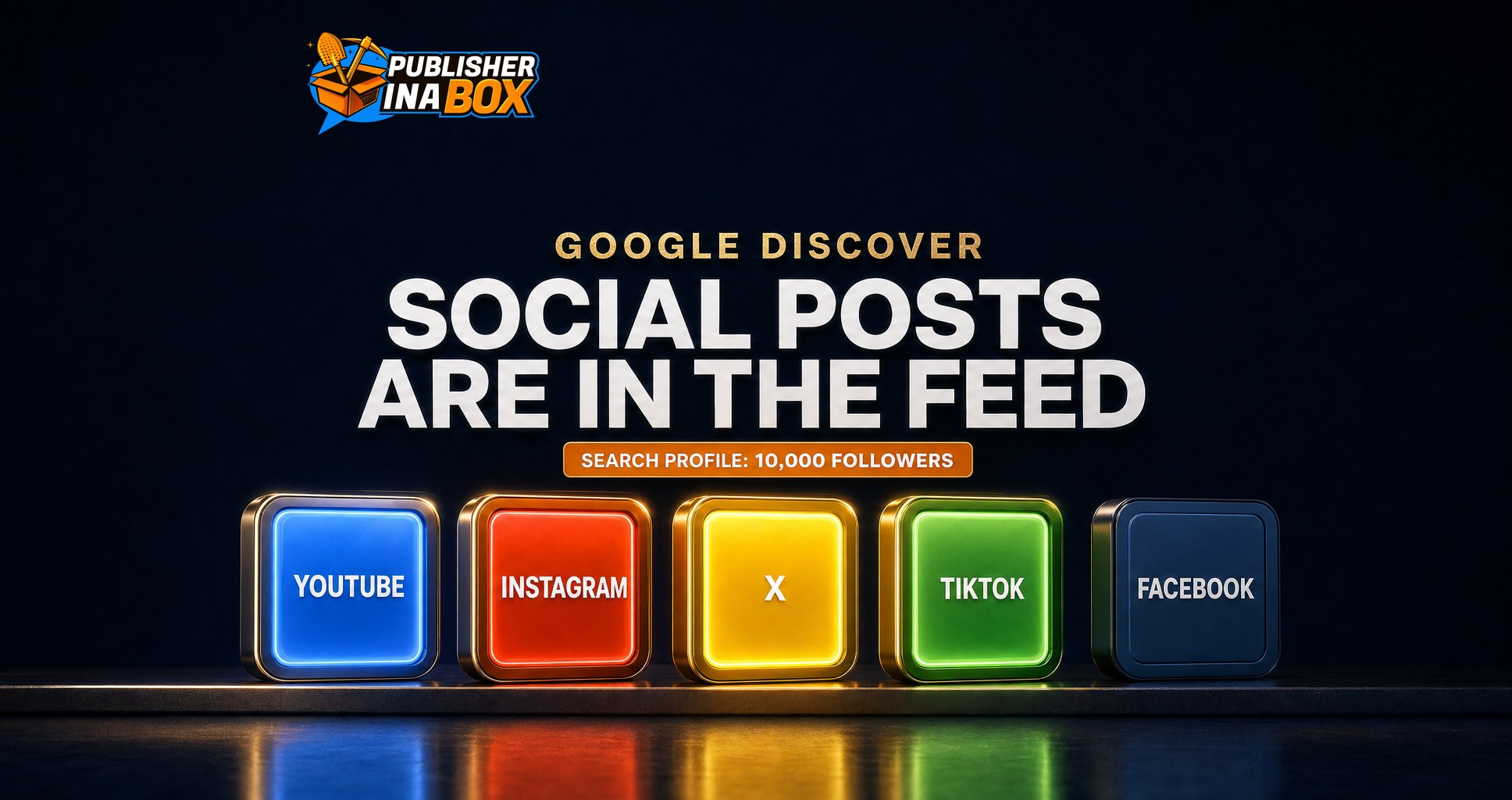
Here is the gap a Facebook publisher needs to see clearly. Google's September 2025 post names X, Instagram and YouTube Shorts as the social formats coming into Discover. Google's Search profile help pages, read on October 27, 2026, list four content platforms that count toward eligibility: YouTube, Instagram, X and TikTok. Facebook is not named in either list.
So a large Facebook following does not, on its own, qualify a Page for a Search profile, and Google has not said Facebook posts will appear in Discover the way X and Instagram posts do. Google did write "with more platforms to come," but nothing on its pages today says Facebook is next.
What this does not mean is that Facebook publishers are shut out of Discover. Discover's core door has not moved. Google's Search Central documentation says content "is automatically eligible to appear in Discover if it is indexed by Google and meets Discover's content policies," and that "no special tags or structured data are required." Your website articles still compete for the feed on their own merits, whatever platform built your audience.
Your Facebook audience does not carry into Discover by itself. Your website and your other channels have to carry it there.
The feed now pulls from a website, a YouTube channel and social accounts at once, so a business that lives entirely on Facebook has the least to show in that space, which is the same concentration risk we cover in our guide to recovering from a Discover traffic drop.
Why the follow button matters more than the social posts
The social posts get the headlines, but the follow button is the part that compounds for a publisher. A reader who follows you has told Google, in plain terms, that they want more from your brand. Google's help page on creating a Search profile says that creating one "doesn't directly affect your content's ranking on Google Search," and then adds the important line: "If someone follows you from your Search profile, they may see more of your content on Discover."
Google does not promise any amount of extra exposure from a follow, but a follower is a direct line to returning readers inside a feed that otherwise decides on its own what each person sees. Google's Discover content policies add that content from a followed site appears in the reader's "Following" feed unless it breaks Google Search's overall policies or a named list that includes dangerous, hateful, sexually explicit and violent content.
10,000
Followers Google now asks for on YouTube, Instagram, X or TikTok before a publisher can create a Search profile, down from 100,000 at launch
Source: Google Search Help, Create a new Search profile, and Google blog, September 16, 2026
How to set up a Search profile, step by step
Search profiles are where the follow button, your social posts and your articles come together, so this is the setup that matters most. Google opened them in the US on June 4, 2026. On September 16, 2026, Google said it had "lowered the eligibility threshold to 10,000 followers across YouTube, Instagram, X, or TikTok." At launch, Gadgets360 reported, the bar was 100,000 followers on YouTube, Instagram or X, or 300,000 on TikTok. Google's help pages now list the profiles as available in Canada, India and the United States.
These are the steps from Google's help pages, in order.
1. Check whether Google already made one for you
If your brand has a knowledge panel on Google Search, a Search profile may have been generated automatically. Search for your brand name and look for View Search Profile next to the knowledge panel. Google says that if you have no knowledge panel, a profile is not generated for you, but you can still create one if you meet the follower requirement.
2. Pick the account that qualifies
You need at least 10,000 followers or subscribers on one of YouTube, Instagram, X or TikTok, and you must be at least 18. If your Facebook Page is your only large audience, this is the step that stops you, and it is the reason to grow a second channel on purpose rather than by accident.
3. Claim or create it
Go to profile.google.com/claim, sign in with the Google Account you want to own the profile (Google says to use the same account as your YouTube channel if you have one), then sign in to the content platform account that meets the requirement. Google may ask for extra identity checks. Only one Google Account can claim a profile, so decide up front which company account owns it rather than tying it to one employee's login.
4. Fill it in
A claimed profile lets you pin up to 8 featured posts, add up to 8 links, suggest edits to your name and bio, and see insights on how your content performs on Search and Discover. Google says changes to factual details such as your name, links and bio stay pending until Google reviews them. Link only accounts that belong to the brand, because Google says it may deny accounts that are not relevant to the profile.
If you run several Pages or sites, one Google Account can now claim or create up to 10 Search profiles, one per brand, a change Google announced on September 16, 2026. We compared Search profiles with Preferred Sources and Tailor Your Feed in our guide to Google's three personalization tools, if you want to see how the pieces fit together.
Make your website cards worth following
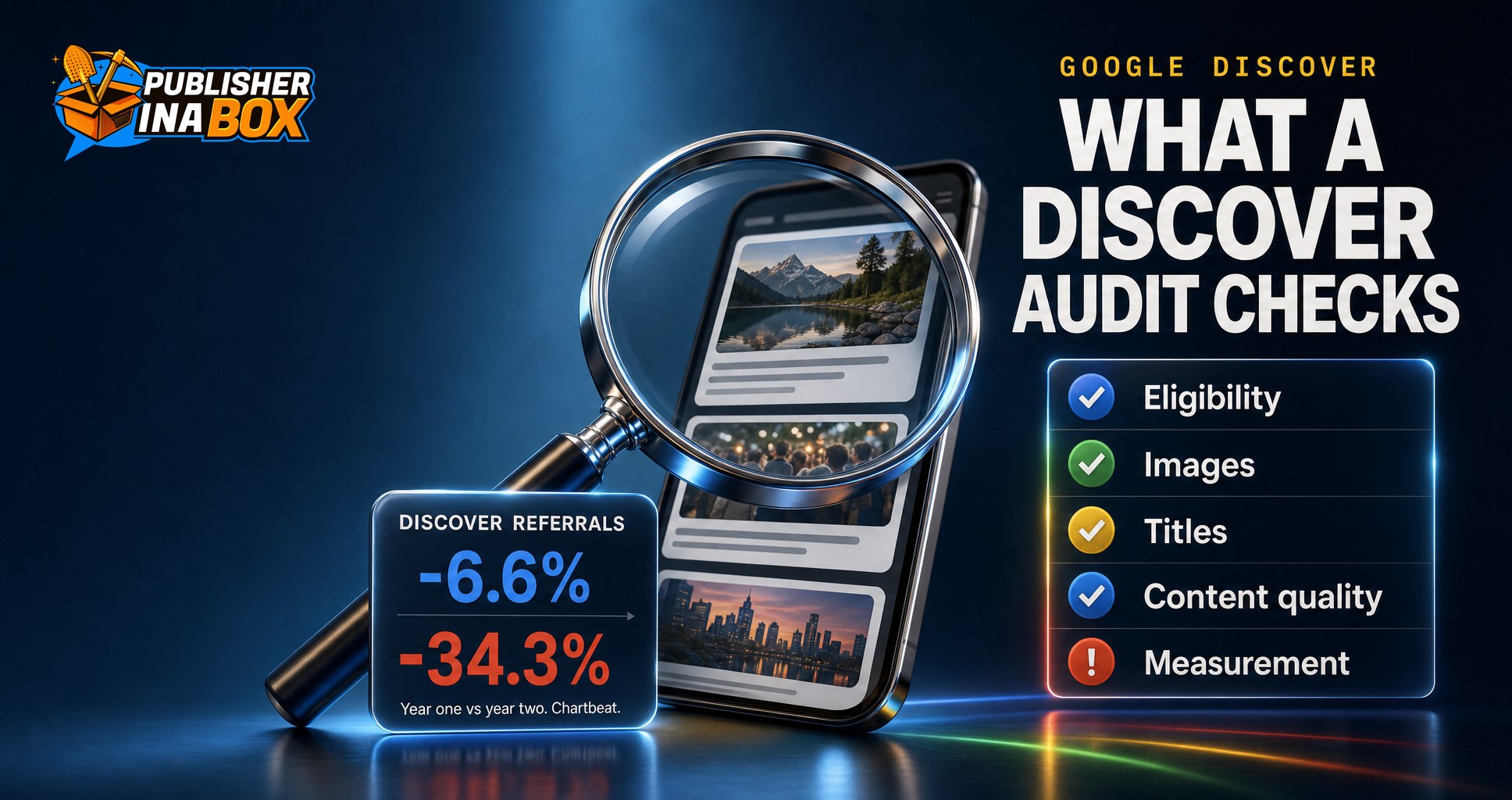
The profile gets you a follow button. Your website articles still have to earn the tap in the feed, and Google's own guidance on that has not changed. Its Discover documentation recommends page titles that "capture the essence of the content," no clickbait or sensationalism, and content that is timely, tells a story well or offers unique insight.
Images carry more weight in Discover than in most places. Google recommends large, relevant images that meet these specifications: at least 1200 px wide, more than 300,000 total pixels, a 16x9 aspect ratio, and large previews enabled with the max-image-preview:large setting or AMP. It also says to name a large, representative image in schema.org markup or the og:image tag, and to avoid your site logo or text-heavy images there.
These fixes matter more now that your cards sit next to video and social posts in the same feed. Our checklist of what a Google Discover audit checks covers how to test them on your own site.
What we would do this month
These are our recommendations for a publisher whose audience is mostly on Facebook.
1. Open your Discover performance report in Search Console. Google says it shows impressions, clicks and CTR for content that appeared in Discover over the last 16 months, as long as you pass a minimum impression threshold. If the report is empty, the website side is your first job, before any profile work. 2. Fix the image and title basics on your top articles. Large 16x9 images, max-image-preview:large and plain, specific headlines. This is the cheapest gain on the list. 3. Choose one second channel and grow it to 10,000. Pick whichever of Instagram, YouTube, X or TikTok fits the content you already make. 4. Claim or create your Search profile the day you qualify. Use a company-owned Google Account, pin your strongest posts and link your website first. 5. Ask readers to follow you. Mention it in your articles and newsletters, the same way you ask for a Page like. Every follow is a reader Google may show more of your work to.
title: Find out where your site stands in Discover before you build a second channel
body: The Google Discover Audit is a full read of your Search Console, your site and every variable behind the feed, delivered as a video walkthrough, a written report and a prioritized action plan. $500, and the full amount comes off your fee if you move to consulting.
link: https://publisherinabox.com/google-discover-audit
Where to go from here
If you want to know whether your site is ready for Discover and what to fix first, the Google Discover Audit reads your own Search Console data and gives you a prioritized plan with a strategy call. If you would rather have the Discover pipeline run for you, Google Discover Turnkey Management has no upfront cost and splits the display ad revenue from the program's articles 50/50.
Frequently asked questions
Does Google Discover show social media posts?
Yes. Google announced on September 17, 2025 that Discover would show posts from X and Instagram and YouTube Shorts, alongside articles, "with more platforms to come."
Does Google Discover show Facebook posts?
Google has not named Facebook. Its September 2025 announcement lists X, Instagram and YouTube Shorts, and its Search profile help pages list YouTube, Instagram, X and TikTok as the platforms that count. As of October 27, 2026, neither list includes Facebook.
How many followers do I need for a Google Search profile?
Google's help pages say you need at least 10,000 followers or subscribers on one of YouTube, Instagram, X or TikTok, and you must be 18 or older. Profiles are available in Canada, India and the United States.
Does a Search profile help my ranking in Google?
Google says creating a profile does not directly affect your ranking in Google Search. It also says that people who follow you from your profile may see more of your content on Discover.
Can my website articles still appear in Discover without a Search profile?
Yes. Google says content is automatically eligible for Discover if it is indexed and meets Discover's content policies, with no special tags or structured data required. A profile adds a follow route, it is not a requirement for the feed.
Key takeaways
Since September 2025, Google Discover shows posts from X, Instagram and YouTube Shorts and lets signed-in readers follow publishers inside the feed.
Facebook is not named in Google's list of social formats for Discover or in the Search profile platform list, as of October 27, 2026.
Search profiles now need 10,000 followers on YouTube, Instagram, X or TikTok, down from 100,000 at launch, and are open in Canada, India and the US.
Google says a profile does not directly change your Search ranking, but followers may see more of your content in Discover.
Website articles still enter Discover on their own, so large 16x9 images, max-image-preview:large and honest headlines remain the first fixes.
A publisher whose whole audience is on Facebook should build one more channel on purpose, because Discover now rewards an audience that lives in more than one place.
Sources
Google, Catch up with the creators and publishers you care about on Discover, September 17, 2025, blog.google
Google, A new profile to help publishers and creators highlight their work on Search, June 4, 2026, blog.google
Google, 3 new ways we're improving Search profiles for publishers, September 16, 2026, blog.google
The team behind 300M+ managed followers. We help publishers scale traffic, revenue, and audience across Facebook, Google Discover, and syndication networks.